
Cubo vs Nanit shows that both baby monitors excel in safety features, but Cubo offers advanced alerts for potential hazards, while Nanit focuses on sleep tracking and health insights. Ultimately, the choice depends on whether you prioritize proactive safety measures or comprehensive analytics for your baby’s sleep.
Last updated: October 30, 2026
In the debate of cubo vs nanit, both baby monitors offer unique features that cater to safety-conscious parents. This article explores their safety capabilities, user experiences, and privacy considerations to help you make an informed decision for your baby’s monitoring needs.
- Start with the setup: Device model, OS, ports, power needs, and workspace change the right answer.
- Check compatibility first: Verify specifications, drivers, firmware, app support, warranty, and return policy before acting.
- Use practical steps: Change one setting or product variable at a time so you can see what.
- Know the limits: Tech advice varies by model, brand, operating system, retailer, firmware version, and official support.
Cubo vs Nanit: Which Baby Monitor Offers Better Safety?
Choosing the right baby monitor is crucial for ensuring your child’s safety. In this article, we will compare two popular models: Cubo and Nanit. We’ll delve into their features, user experiences, privacy considerations, and common mistakes when selecting a baby monitor. For related safety context, compare this with is alexa better than siri for smart home controls.

Overview of Cubo and Nanit Baby Monitors
Cubo and Nanit are two advanced baby monitors designed to enhance parental peace of mind. Both devices come equipped with unique technological features that focus on safety, usability, and overall performance. Understanding their core functionalities can assist parents in making the best choice for their family’s needs. This connects closely with wifi vs zigbee smart home if you want to compare the topic in more detail.
Use this guide for cubo vs nanit as a practical checklist, then adjust the advice to your exact device model, operating system, workspace, and budget.
Key Safety Features of Cubo Baby Monitor
The Cubo baby monitor is designed with several innovative safety features aimed at providing parents with real-time insights into their baby’s well-being. Its advanced technology and design make it a strong contender for parents prioritizing safety. For related safety context, compare this with best google home smart bulbs.
| Safety Feature | Description |
|---|---|
| Real-time Alerts | Notifies parents of any unusual movements or sounds. |
| Breathing Monitoring | Tracks the baby’s breathing patterns to ensure safety. |
| Night Vision | Provides clear video in low-light conditions for nighttime monitoring. |
| Two-way Audio | Allows parents to communicate with their baby remotely. |
- Smart Alerts: Cubo offers smart alerts for potential hazards such as a baby’s face being covered or if they roll over onto their stomach.
- Sleep Tracking: The monitor tracks sleep patterns, allowing parents to ensure their baby is getting adequate rest.
- Two-Way Audio: Parents can speak to their baby through the monitor, providing comfort from a distance.
Key Safety Features of Nanit Baby Monitor
The Nanit baby monitor is another high-tech option that incorporates numerous safety features. It is designed with a focus on detailed monitoring and parental connectivity, ensuring that parents can keep a close eye on their little ones.
Breathing Motion Monitoring: Nanit uses advanced technology to monitor a baby’s breathing motion, providing alerts if any irregularities are detected. Night Vision: With its infrared night vision capabilities, parents can see their baby clearly in low-light conditions. Temperature and Humidity Monitoring: The monitor tracks the nursery’s environment, alerting parents if the conditions are outside the ideal range. This also connects with best smart lights for google home if you want to avoid a similar setup or buying mistake.
Small details such as port type, charger wattage, firmware version, desk space, and app permissions can completely change the right answer.
Comparative Analysis: Cubo vs Nanit Safety Features
When comparing the safety features of Cubo and Nanit, both monitors excel in different areas. Cubo prioritizes smart alerts for physical safety, while Nanit focuses on monitoring vital signs and environmental factors. For related safety context, compare this with best smart switch for google home.
| Feature | Cubo | Nanit |
|---|---|---|
| Face Covering Alert | Yes | No |
| Breathing Motion Monitoring | No | Yes |
| Temperature and Humidity Monitoring | No | Yes |
| Two-Way Audio | Yes | Yes |
| Sleep Tracking | Yes | Yes |
User Experience and Setup for Each Monitor
Understanding the user experience and setup process for both monitors is essential for making an informed choice. Each device offers unique challenges and benefits that could influence your decision.
Cubo User Experience
Cubo is known for its straightforward setup process and user-friendly interface. Most parents find the app easy to navigate, providing seamless access to live feeds and alerts.
Nanit User Experience
Nanit provides a more complex setup due to its various monitoring capabilities. While some parents appreciate the detailed insights, others may find the initial setup overwhelming. You can also use best smart switch for home assistant as a helpful next guide on the same tech-accessories topic.
- Choose the product category first, then compare models.
- Ignore unsupported performance or durability claims.
- Look for model-specific limitations before purchase.
Privacy Considerations for Cubo and Nanit
Privacy is a significant concern for parents using baby monitors. Both Cubo and Nanit have taken steps to ensure user data is protected. However, understanding their privacy policies is crucial. For related context, you may also want to read best smart plug for home assistant.
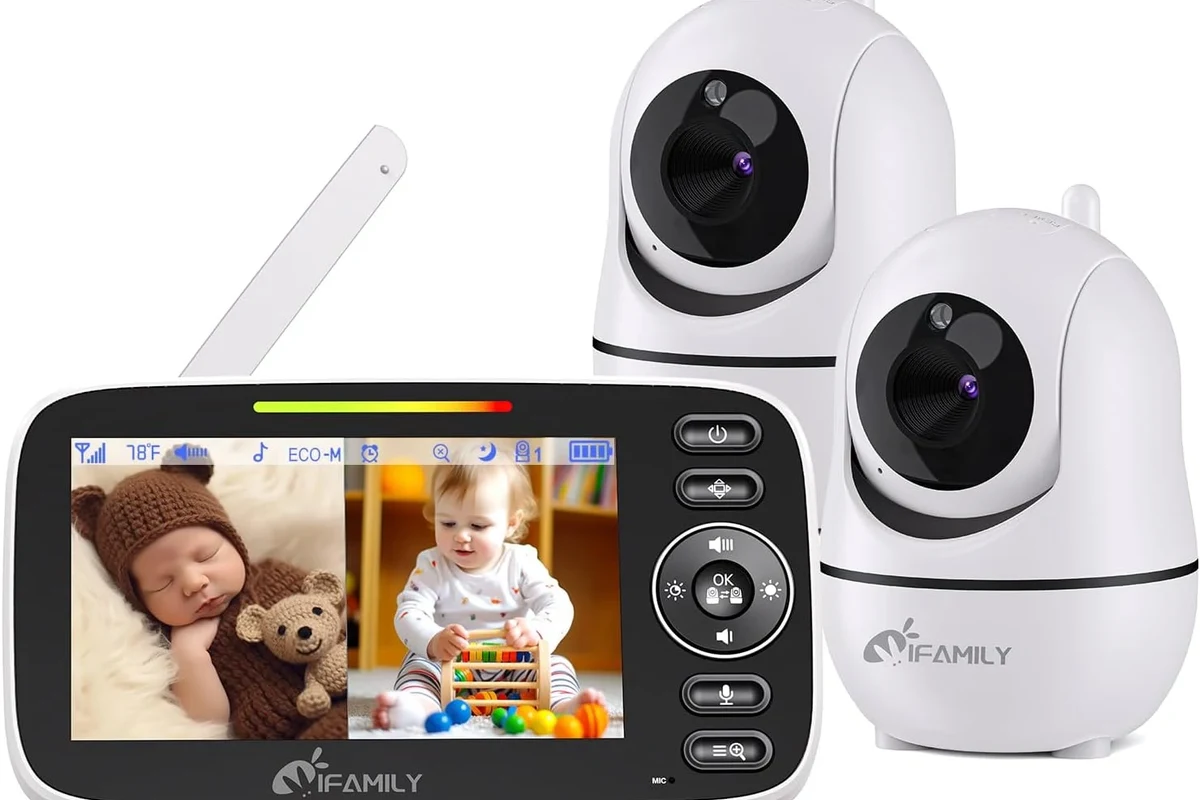
- Cubo: The Cubo monitor uses end-to-end encryption to secure video feeds, ensuring that only authorized users can access the content.
- Nanit: Nanit also employs encryption and offers users the option to manage their data sharing preferences through the app.
Common Mistakes When Choosing a Baby Monitor
Common Mistakes When Choosing a Baby Monitor adds practical context to cubo vs nanit by focusing on the details that affect real setup and daily use. Check what applies to the current device, what needs verification, and which next step is safest before making another change.
Ignoring Safety Features: Always prioritize models that offer essential safety features relevant to your needs. Overlooking Privacy Policies: Ensure that the monitor’s privacy policies align with your comfort levels regarding data sharing. Not Considering User Experience: Take the time to read user reviews about the ease of use and setup. This also connects with best smart switches for home assistant if you want to avoid a similar setup or buying mistake.
Before buying, verify compatibility, size, ports, wattage, warranty, return policy, and current model details from official or retailer sources.
Alternatives to Consider: Other Smart Baby Monitors
While Cubo and Nanit are popular choices, several other smart baby monitors offer competitive features. Exploring alternatives is essential for finding the best fit for your family.
- Owlet Smart Sock: Provides a unique approach by monitoring heart rate and oxygen levels.
- Motorola Halo+: Offers a combination of a video monitor and a portable camera.
- BabySense 7: A non-camera monitor that focuses on breathing monitoring.
What to Look For When Buying a Baby Monitor
When shopping for a baby monitor, several essential features and considerations can guide your decision. Understanding these factors can help you select a device that meets your needs.
Safety Features: Look for monitors that provide alerts for potential hazards. Usability: Ensure the device is user-friendly and easy to set up. Price: Consider your budget, as prices can vary significantly between models.
This guide on cubo vs nanit is written for general digital-information education. For specifications, compatibility, prices, availability, firmware/software versions, warranty terms, recalls, privacy settings, or safety limits, confirm details with the official manual, manufacturer page, retailer listing, warranty document, or current support notice before acting.
How to Ensure Safe Use of Your Baby Monitor
Using your baby monitor safely is just as crucial as choosing the right model. Implementing best practices can enhance the safety and effectiveness of your monitoring system.
- Regular Updates: Keep the firmware updated to ensure the latest security measures are in place.
- Placement: Position the monitor securely and out of reach of children.
- Privacy Settings: Regularly review and adjust privacy settings in the app.
How to Choose Between Cubo and Nanit for Your Family’s Needs
cubo vs nanit is mainly a decision problem: match the product to your device, workspace, budget, comfort needs, and long-term use. A good choice should solve the main need without creating compatibility, safety, or privacy problems.
Compare the same criteria across every option. Verify specs, ports, wattage, size, warranty, and return policy. Prefer fit-for-purpose products over generic “best” claims.
Final Words
The main takeaway for cubo vs nanit is to match the advice to the exact device, connection method, and daily use case. Use safe setup steps, verify model-specific details, and contact official support when power, heat, privacy, stability, or warranty concerns remain.
💡 Sufiya Begom's Smart Home Note: Check Wi-Fi band, app permissions, firmware updates, privacy settings, ecosystem support, and safe electrical load before relying on any smart-home device.
Frequently Asked Questions
Questions about Smart Baby Monitor often depend on the exact model, connection method, software support, and daily use case. Similar products can behave differently even when they look alike or share a category name. Check current manufacturer documentation whenever compatibility, safety, privacy, firmware, or warranty details affect the answer.
Start with intended use, fit, verified specifications, safety instructions, care needs, and important limitations.
Start with the exact Smart Baby Monitor model, connection method, compatibility requirements, and the specific result you need. Current manufacturer documentation is the safest place to confirm details that vary by model.
Check the operating system, ports or wireless standard, power requirements, app or driver support, and any ecosystem limitations that apply to the exact setup.
A common mistake is treating every Smart Baby Monitor product or setup as interchangeable. Similar-looking models can differ in ports, software support, power needs, dimensions, or privacy controls.
Use the cleaning, ventilation, inspection, charging, storage, and update guidance that applies to the product type. Disconnect power first whenever the manufacturer instructions require it.
Stop and seek official support when the problem involves overheating, damaged power hardware, unstable mounting, repeated failures, data loss, or a privacy concern you cannot resolve safely.

Sufiya Begom is a Passionate Digital Innovator and the Visionary Founder of the Dynamic Platform, Digital Pro Info. With a deep-rooted enthusiasm for digital technologies, Sufiya has built a comprehensive space that offers valuable insights into digital products, reviews, guides, software, and sales, empowering individuals to make informed decisions in the ever-evolving digital landscape.