
No, smart bulbs do not use more electricity during daily use compared to traditional incandescent bulbs. In fact, they are generally more energy-efficient, consuming less power while providing the same or greater light output.
Last updated: August 27, 2026
Many consumers are curious about whether smart bulbs contribute to higher electricity usage compared to traditional lighting options. Understanding the impacts of smart bulbs on energy consumption is essential for informed purchasing decisions and effective home automation strategies.
This article explores whether smart bulbs use more electricity during daily use and what factors influence their energy efficiency.
- Start with the setup: Device model, OS, ports, power needs, and workspace change the right answer.
- Check compatibility first: Verify specifications, drivers, firmware, app support, warranty, and return policy before acting.
- Use practical steps: Change one setting or product variable at a time so you can see what.
- Know the limits: Tech advice varies by model, brand, operating system, retailer, firmware version, and official support.
Do Smart Bulbs Use More Electricity During Daily Use?
Smart bulbs are designed to be energy-efficient, often using less electricity than traditional bulbs. However, features like dimming and color changing can affect their energy consumption. Consider monitoring your usage patterns with a smart app to gain insights into how much energy you’re actually using. For related context, you may also want to read what to use smart plugs for to simplify your home automation.
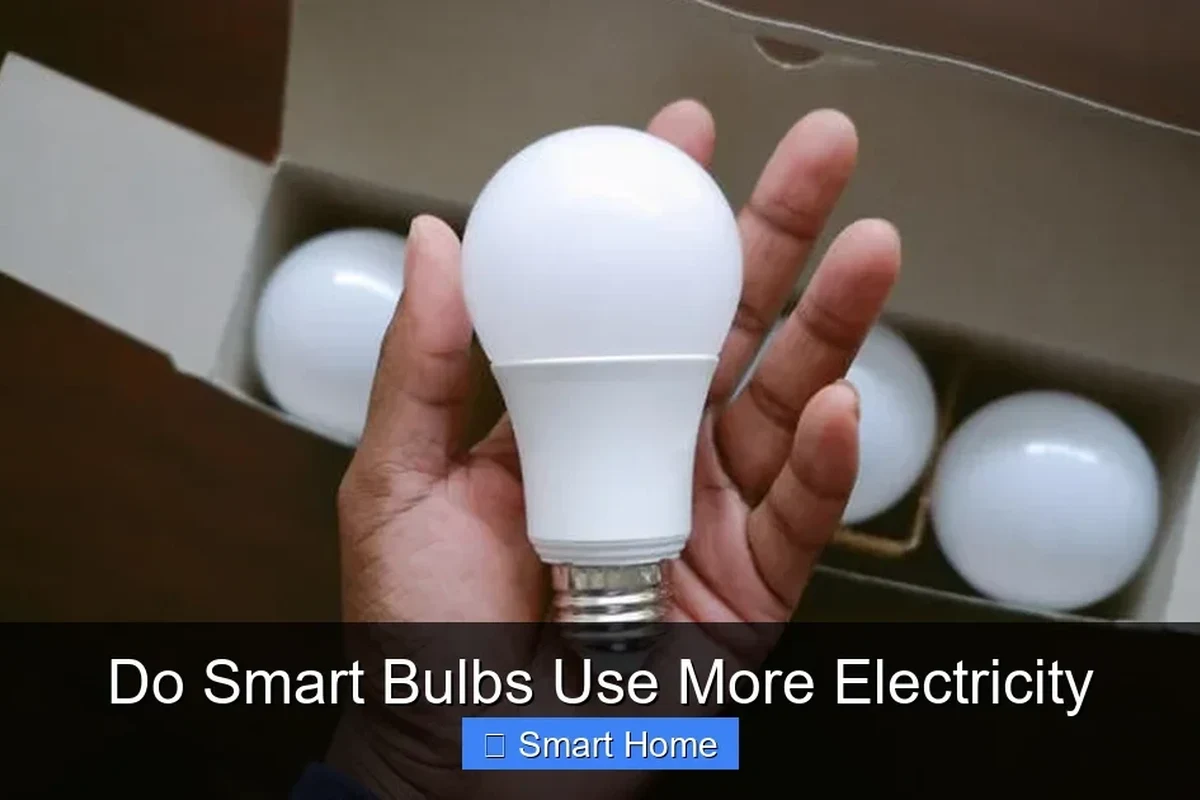
Understanding Smart Bulb Technology: LED vs. Traditional Bulbs
Understanding the technology behind smart bulbs reveals why they are more energy-efficient than traditional options. LED bulbs not only use less power but also last significantly longer, reducing waste. If you’re considering a switch, check for compatibility with your existing fixtures and smart home systems.
LED Efficiency
LED bulbs convert a higher percentage of energy into light rather than heat, making them much more efficient. This efficiency translates into lower electricity bills over time, even if the smart bulb offers additional features like color changing or dimming.
Traditional Bulb Limitations
Traditional bulbs waste a lot of energy as heat, which significantly reduces their efficiency. Transitioning to smart LED options not only cuts down on energy usage but also offers features that enhance convenience and control within a smart home ecosystem. This connects closely with how to use amazon smart plug 2 if you want to compare the topic in more detail.
Use this guide for do smart bulbs use more electricity as a practical checklist, then adjust the advice to your exact device model, operating system, workspace, and budget.
How Smart Bulbs Impact Your Electricity Bill
Smart bulbs can reduce your electricity bill by consuming less energy overall, despite minor increases when connected to Wi-Fi. To maximize savings, consider how often you use automation features versus standard settings. Reviewing your monthly energy usage can help identify patterns and potential savings. You can also use how to use smart plug with alexa 2 as a helpful next guide on the same tech-accessories topic.
| Smart Bulb Feature | Impact on Electricity Bill |
|---|---|
| Standard Usage | Lower energy consumption overall |
| Wi-Fi Connectivity | Minor increase in electricity usage |
| Automation Features | Can lead to additional savings if used effectively |
| Monthly Usage Review | Helps identify patterns for potential savings |
Small details such as port type, charger wattage, firmware version, desk space, and app permissions can completely change the right answer.
Factors Influencing Energy Consumption of Smart Bulbs
Several factors determine the energy consumption of smart bulbs, and understanding these can help optimize their use. Key considerations include brightness levels, automation settings, and your usage habits.
Brightness Levels and Color Settings
The brightness level and color settings you choose can significantly impact energy usage. Higher brightness levels will consume more power, while using lower settings or specific color temperatures can help save energy.
- Using dimmer settings can reduce overall power consumption.
- Color settings that require more energy, like bright white or vibrant colors, may increase usage.
- Smart bulbs often have a range of brightness options, making them versatile for various needs.
Usage Patterns and Automation
Your daily usage patterns can also influence how much electricity smart bulbs consume. For instance, automating your smart bulbs to turn off when not needed can lead to significant energy savings over time.
Scheduling bulbs to turn off during the day or when you leave home conserves energy. Integrating motion sensors can automatically adjust lighting based on room occupancy. Using smart home systems to manage multiple bulbs can enhance efficiency across your entire lighting setup. For related context, you may also want to read how to use smart plug with alexa.
- Use strong passwords and update firmware when available.
- Place cameras and sensors with privacy in mind.
- Avoid overloading smart plugs or extension setups.
Comparing Smart Bulbs: Power Ratings and Efficiency
When selecting smart bulbs, it’s important to compare their power ratings and efficiency. Smart bulbs vary in wattage and lumens output, which affects their overall energy consumption and performance. This connects closely with how to use smart plugs if you want to compare the topic in more detail.
| Bulb Type | Wattage | Brightness (Lumens) |
|---|---|---|
| Standard LED Smart Bulb | 10-15W | 800-1100 |
| Color-Changing Smart Bulb | 8-12W | 800-1000 |
| Dimmer-Compatible Smart Bulb | 10-14W | 800-1200 |
Smart Bulb Setup: Optimizing for Efficiency
Setting up your smart bulbs correctly can maximize their energy efficiency. This involves proper connectivity to your Wi-Fi and ensuring they are integrated seamlessly into your smart home systems.
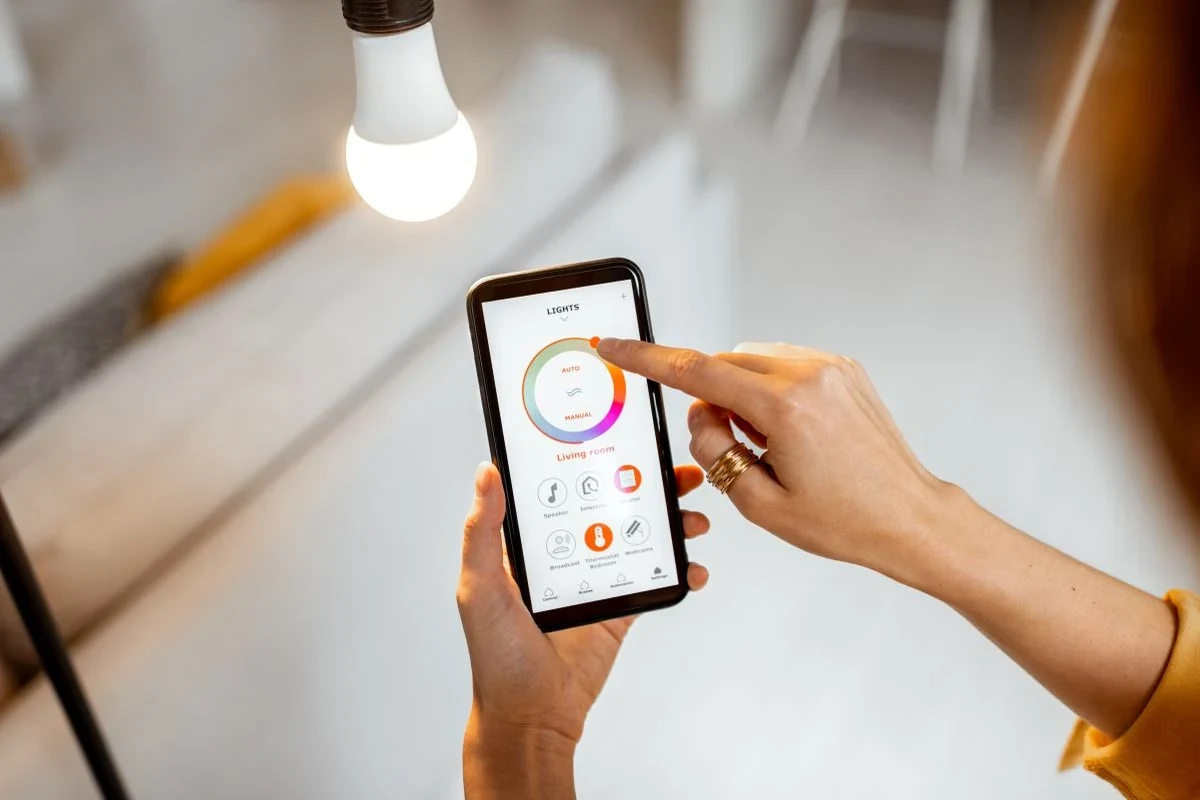
Connecting to Wi-Fi and Smart Home Systems
Connecting smart bulbs to your home Wi-Fi network and integrating them with smart home systems allows for better control over energy usage. This setup enables features like automation and remote access, which can help you manage your energy consumption effectively.
Choosing the Right Placement for Maximum Effect
Where you place your smart bulbs can also influence their efficiency. Proper placement ensures that the light is utilized effectively, reducing the need for higher wattage to achieve desired brightness levels. You can also use how to use amazon smart plug as a helpful next guide on the same tech-accessories topic.
- Install bulbs in fixtures where they can provide optimal illumination without being overly bright.
- Avoid placing bulbs in enclosed fixtures that can increase heat and reduce efficiency.
- Consider using smart bulbs in frequently used areas for maximum energy savings.
For smart-home products, check ecosystem support, app permissions, firmware updates, Wi-Fi compatibility, privacy settings, and safe electrical load limits.
Common Mistakes to Avoid with Smart Bulbs
Many users make mistakes that can lead to increased energy consumption. Being aware of these common pitfalls can help you make the most of your smart bulbs.
Neglecting to use scheduling features can lead to lights being left on unnecessarily. Using high brightness levels consistently can waste energy. Forgetting to turn off bulbs in rarely used rooms contributes to higher bills. For related safety context, compare this with what to use smart plugs for.
Safety and Privacy Considerations with Smart Bulbs
When using smart bulbs, it’s crucial to consider safety and privacy. Smart devices can pose risks if not properly managed, so understanding these risks can help you protect your home. This also connects with how to use smart plug if you want to avoid a similar setup or buying mistake.
- Ensure your Wi-Fi network is secure to prevent unauthorized access to your smart devices.
- Regularly update your smart bulb firmware to protect against vulnerabilities.
- Consider the privacy settings in the associated app to manage data sharing.
This guide on do smart bulbs use more electricity is written for general digital-information education. For specifications, compatibility, prices, availability, firmware/software versions, warranty terms, recalls, privacy settings, or safety limits, confirm details with the official manual, manufacturer page, retailer listing, warranty document, or current support notice before acting.
Understanding the Energy Efficiency of Smart Bulbs
For consumers considering smart bulbs, the key takeaway is that they generally do not use more electricity than traditional bulbs, especially when used efficiently. Understanding their features and how to optimize their use is vital for both energy savings and enhancing your smart home experience.
Final Words
Smart bulbs blend convenience with energy efficiency, making them a practical choice for modern homes. To ensure you get the most from your investment, think about proper placement and automation settings. Regularly update your smart bulb software to maintain optimal performance and security.
💡 Sufiya Begom's Smart Home Note: Check Wi-Fi band, app permissions, firmware updates, privacy settings, ecosystem support, and safe electrical load before relying on any smart-home device.
Frequently Asked Questions
Questions about Smart Bulb often depend on the exact model, connection method, software support, and daily use case. Similar products can behave differently even when they look alike or share a category name. Check current manufacturer documentation whenever compatibility, safety, privacy, firmware, or warranty details affect the answer.
Start with intended use, fit, verified specifications, safety instructions, care needs, and important limitations.
Start with the exact Smart Bulb model, connection method, compatibility requirements, and the specific result you need. Current manufacturer documentation is the safest place to confirm details that vary by model.
Check the operating system, ports or wireless standard, power requirements, app or driver support, and any ecosystem limitations that apply to the exact setup.
A common mistake is treating every Smart Bulb product or setup as interchangeable. Similar-looking models can differ in ports, software support, power needs, dimensions, or privacy controls.
Use the cleaning, ventilation, inspection, charging, storage, and update guidance that applies to the product type. Disconnect power first whenever the manufacturer instructions require it.
Stop and seek official support when the problem involves overheating, damaged power hardware, unstable mounting, repeated failures, data loss, or a privacy concern you cannot resolve safely.

Sufiya Begom is a Passionate Digital Innovator and the Visionary Founder of the Dynamic Platform, Digital Pro Info. With a deep-rooted enthusiasm for digital technologies, Sufiya has built a comprehensive space that offers valuable insights into digital products, reviews, guides, software, and sales, empowering individuals to make informed decisions in the ever-evolving digital landscape.