
Yes, you can mount a monitor arm to a glass desk safely, but it requires special mounting hardware designed for glass surfaces. Ensure the glass is thick enough and use suction cups or brackets that distribute weight evenly to avoid breakage.
Last updated: November 23, 2026
Setting up an ergonomic workspace often leads to the question: can you mount a monitor arm to a glass desk? While it is possible to securely attach a monitor arm to glass surfaces, specific precautions are necessary to ensure safety and stability.
Understanding the right mounting hardware and techniques can help prevent damage to your desk while maximizing your workspace efficiency.
- Start with the setup: Device model, OS, ports, power needs, and workspace change the right answer.
- Check compatibility first: Verify specifications, drivers, firmware, app support, warranty, and return policy before acting.
- Use practical steps: Change one setting or product variable at a time so you can see what.
- Know the limits: Tech advice varies by model, brand, operating system, retailer, firmware version, and official support.
Understanding the Basics of Monitor Arms
Monitor arms are versatile accessories designed to hold and adjust the position of monitors, enhancing ergonomics and workspace efficiency. Understanding their design and functionality can help determine if they are suitable for your glass desk setup.
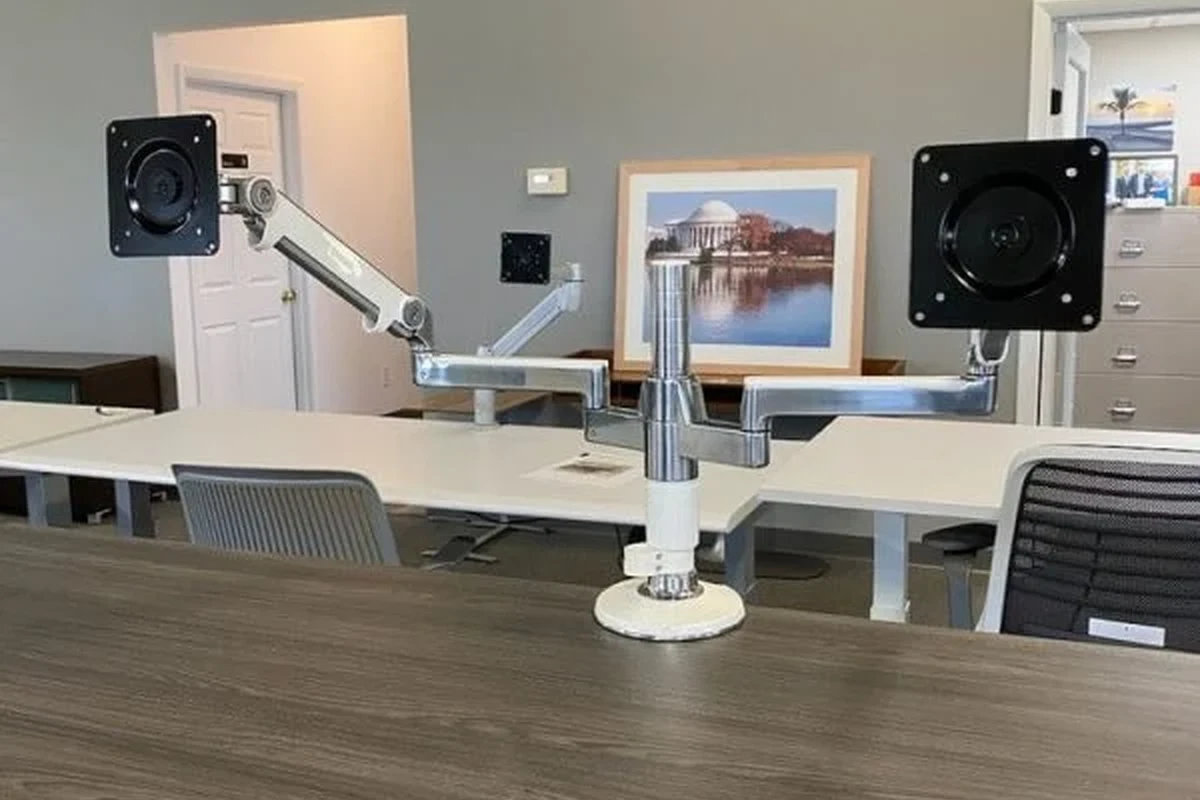
Types of Monitor Arms
Monitor arms come in various styles, including clamp mounts, grommet mounts, and wall-mounted versions. Each type has specific installation requirements and weight limits, which are crucial to know when considering glass surfaces.
Weight Capacity and Adjustability
Most monitor arms have specified weight limits, typically ranging from 10 to 40 pounds. It’s vital to ensure that your monitor’s weight falls within this range to prevent accidents or damage to the glass desk. For related context, you may also want to read what can you do with a fire tv stick.
Always double-check the weight limits and installation instructions for your monitor arm to prevent accidents. If you’re unsure, consider consulting a professional.
Evaluating Glass Desk Compatibility
Not all glass desks are created equal, and their compatibility with monitor arms can vary significantly. Evaluating the thickness, material, and design of your glass desk is essential before attempting to mount a monitor arm.
Thickness of the Glass
The thickness of the glass is vital for mounting a monitor arm safely. A minimum thickness of 0.5 inches is generally recommended to ensure adequate support for the weight of the monitor and the arm itself.
Type of Glass Desk
Different types of glass desks, such as tempered glass or laminated glass, have varying levels of strength and durability. Knowing the type of glass can assist in making an informed decision about mounting options. This connects closely with can you use ring camera without a subscription if you want to compare the topic in more detail.
| Glass Type | Strength | Recommended Mounting Method |
|---|---|---|
| Tempered Glass | High | Clamp or Grommet |
| Laminated Glass | Medium | Clamp (caution advised) |
| Regular Glass | Low | Avoid mounting |
Safety Considerations for Mounting on Glass
Mounting a monitor arm on a glass desk involves several safety considerations to avoid damaging the desk or causing accidents. Awareness of these factors can help ensure a safe setup.
| Safety Consideration | Details |
|---|---|
| Glass Thickness | Ensure the glass is at least 0.25 inches thick for stability. |
| Weight Limit | Confirm the monitor arm and monitor combined weight do not exceed the desk’s capacity. |
| Mounting Method | Use suction cups or clamps designed specifically for glass to avoid cracks. |
| Surface Damage | Protect the glass surface with padding to prevent scratches or chips. |
Risk of Cracking or Shattering
Improper installation or excessive weight can lead to cracks or even shattering of the glass. It’s critical to follow installation guidelines and regularly check for any signs of stress on the glass.
Stability of the Mounting System
Ensure that the mounting system is stable and secure before attaching your monitor. An unstable monitor arm can pose a risk of falling, potentially causing injury or damage to your workspace. You can also use can you use your ring doorbell without a subscription as a helpful next guide on the same tech-accessories topic.
Use this guide for can you mount a monitor arm to a glass desk as a practical checklist, then adjust the advice to your exact device model, operating system, workspace, and budget.
Essential Tools and Accessories for Installation
Having the right tools and accessories can make the installation process smoother and safer. Here’s what you’ll need to mount a monitor arm to a glass desk effectively. You can also use can you use a ring camera without subscription as a helpful next guide on the same setup or usability topic.
- Drill and drill bits (if using grommet mounts)
- Level to ensure the monitor is straight
- Measuring tape for precise placement
- Rubber pads or protective stickers to prevent glass damage
- Use a level to ensure the monitor is properly aligned.
- Check the manufacturer’s instructions for specific mounting guidelines.
- Regularly inspect the mount for any signs of wear or instability.
Step-by-Step Guide to Mounting a Monitor Arm on a Glass Desk
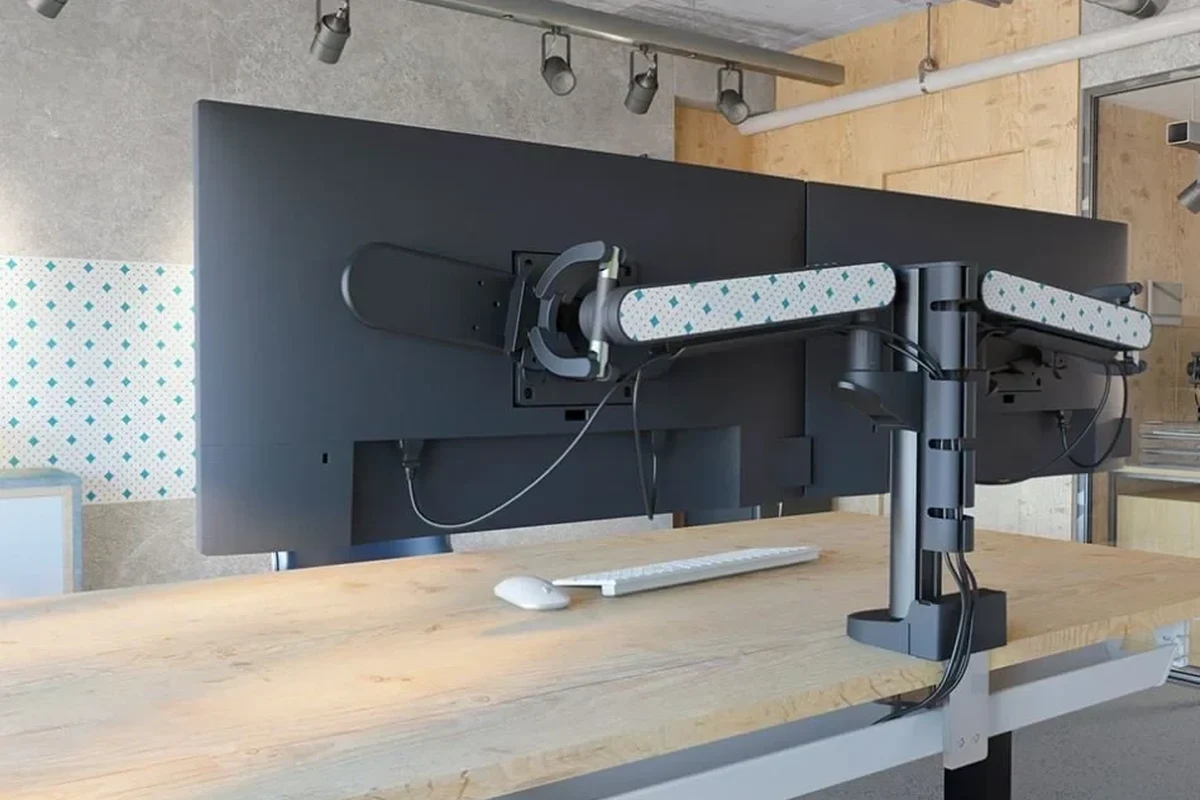
Mounting a monitor arm on your glass desk can be straightforward if you follow a systematic approach. The following steps will guide you through the installation process.
Preparing Your Workspace
Start by clearing your workspace to ensure you have enough room to work. Make sure the glass desk is clean and free of any clutter to facilitate a smooth installation.
Marking and Drilling Holes Safely
If you’re using a grommet mount, carefully mark the spot where you will drill. It’s advisable to use a specialized glass drill bit to prevent cracking during the drilling process.
Securing the Monitor Arm
Once the holes are drilled, follow the manufacturer’s instructions to secure the monitor arm. Ensure that all screws are tightened adequately and double-check the stability before attaching your monitor. This connects closely with a video doorbell can assist you by enhancing home safety if you want to compare the topic in more detail.
Small details such as port type, charger wattage, firmware version, desk space, and app permissions can completely change the right answer.
Common Mistakes to Avoid When Mounting
Even experienced users can make mistakes during installation. Being aware of these common pitfalls can help you avoid issues when mounting a monitor arm to a glass desk. This also connects with can you use a ring doorbell without a subscription if you want to avoid a similar setup or buying mistake.
- Not checking the weight limit of both the monitor and the arm.
- Using inappropriate tools for drilling or securing the mount.
- Ignoring the type of glass and its thickness.
Alternatives to Glass Desk Mounting
If you determine that mounting a monitor arm to your glass desk isn’t feasible, several alternatives can enhance your workspace. Exploring these options can provide you with effective solutions without risking damage.
Using a Monitor Stand
Monitor stands offer a stable alternative to mounting, providing adjustable height without the need for installation. They can also enhance ergonomics without compromising the integrity of your desk.
Wall-Mounting Options
Wall-mounting options provide an effective solution for those looking to maximize desk space while ensuring stability. When considering this option, verify that your wall can support the weight of the monitor and mount securely. Additionally, assess the placement for optimal viewing angles and accessibility. For related context, you may also want to read can you use tapo camera without subscription.
This guide on can you mount a monitor arm to a glass desk is written for general digital-information education. For specifications, compatibility, prices, availability, firmware/software versions, warranty terms, recalls, privacy settings, or safety limits, confirm details with the official manual, manufacturer page, retailer listing, warranty document, or current support notice before acting.
Evaluating Safety and Compatibility for Glass Desk Mounting
For those considering mounting a monitor arm to a glass desk, it’s essential to evaluate safety, compatibility, and installation methods. Understanding the risks involved and knowing the right tools can help ensure a secure setup. This also connects with can you use ring camera without subscription if you want to avoid a similar setup or buying mistake.
Final Words
Mounting a monitor arm to a glass desk is possible, but it requires careful consideration of the desk’s material and thickness, as well as proper installation techniques. Always prioritize safety and stability to create an effective workspace.
💡 Sufiya Begom's Setup Advice: Check VESA support, screen weight, desk thickness, eye level, cable clearance, and stability before buying or mounting any monitor accessory.
Frequently Asked Questions
Questions about Monitor Arm often depend on the exact model, connection method, software support, and daily use case. Similar products can behave differently even when they look alike or share a category name. Check current manufacturer documentation whenever compatibility, safety, privacy, firmware, or warranty details affect the answer.
Start with intended use, fit, verified specifications, safety instructions, care needs, and important limitations.
Start with the exact Monitor Arm model, connection method, compatibility requirements, and the specific result you need. Current manufacturer documentation is the safest place to confirm details that vary by model.
Check the operating system, ports or wireless standard, power requirements, app or driver support, and any ecosystem limitations that apply to the exact setup.
A common mistake is treating every Monitor Arm product or setup as interchangeable. Similar-looking models can differ in ports, software support, power needs, dimensions, or privacy controls.
Use the cleaning, ventilation, inspection, charging, storage, and update guidance that applies to the product type. Disconnect power first whenever the manufacturer instructions require it.
Stop and seek official support when the problem involves overheating, damaged power hardware, unstable mounting, repeated failures, data loss, or a privacy concern you cannot resolve safely.

Sufiya Begom is a Passionate Digital Innovator and the Visionary Founder of the Dynamic Platform, Digital Pro Info. With a deep-rooted enthusiasm for digital technologies, Sufiya has built a comprehensive space that offers valuable insights into digital products, reviews, guides, software, and sales, empowering individuals to make informed decisions in the ever-evolving digital landscape.