
To adjust Ergotron monitor arm, first loosen the tension knob to allow movement. Position the monitor to eye level and tighten the knob to secure. For optimal viewing, ensure the screen is at a comfortable distance and angle, typically 20-30 inches away and tilted slightly back.
Last updated: November 24, 2026
Adjusting your Ergotron monitor arm is key to creating an ergonomic workspace that enhances both comfort and productivity. Understanding how to make these adjustments can lead to a more enjoyable viewing experience and improved posture while you work.
- Start with the setup: Device model, OS, ports, power needs, and workspace change the right answer.
- Check compatibility first: Verify specifications, drivers, firmware, app support, warranty, and return policy before acting.
- Use practical steps: Change one setting or product variable at a time so you can see what.
- Know the limits: Tech advice varies by model, brand, operating system, retailer, firmware version, and official support.
How to Adjust Ergotron Monitor Arm for Optimal Viewing
To adjust your Ergotron monitor arm effectively, follow several steps to find the ideal viewing angle and comfort level. Proper adjustments can greatly improve your workspace ergonomics, making it easier to focus on your tasks. For related context, you may also want to read how to connect alexa smart plug for effortless control.
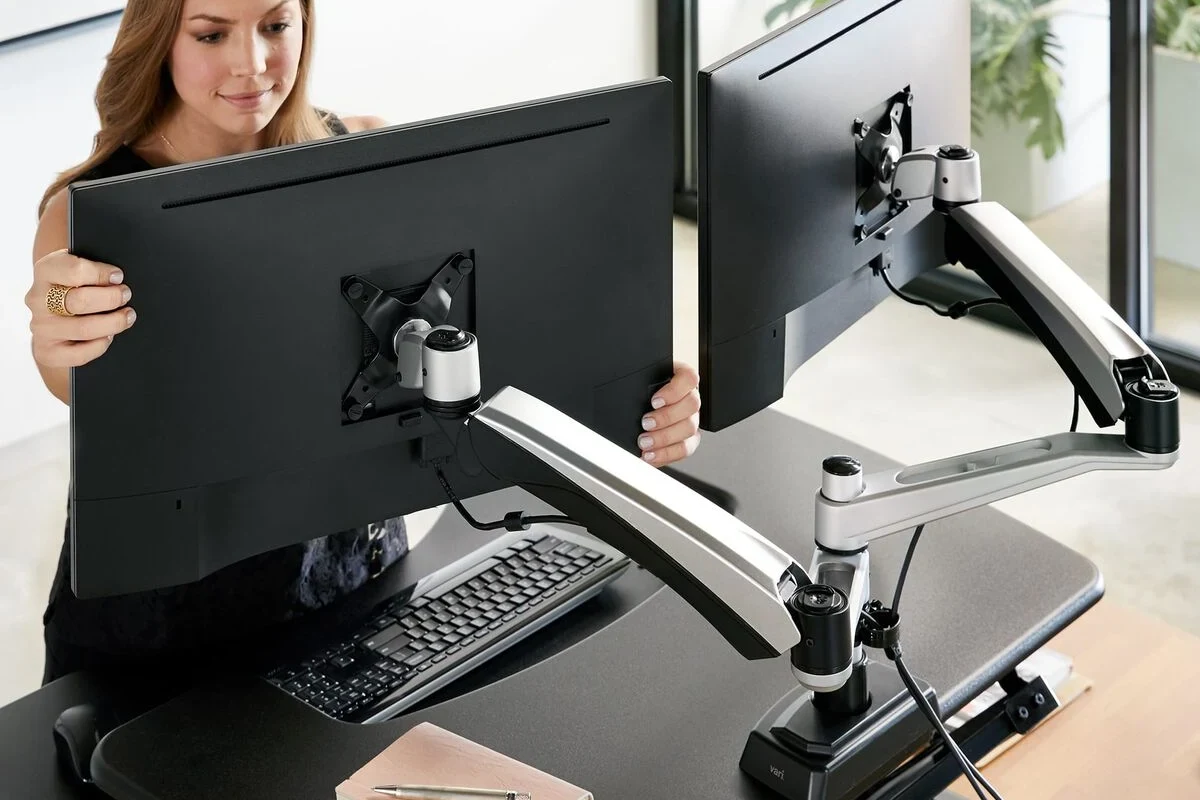
Understanding the Ergotron Monitor Arm: Features and Benefits
The Ergotron monitor arm is designed to provide flexibility, adjustability, and support for various monitor sizes. Understanding its features and benefits is crucial for maximizing your setup and ensuring a comfortable working environment. This connects closely with how to set up a smart plug for effortless home automation if you want to compare the topic in more detail.
- Confirm the device model, operating system, connection type, and app permissions.
- Try safe reversible steps first, such as reconnecting, updating, restarting, or changing one cable/port.
- Use official support if power, heat, privacy, warranty, or repeated failure is involved.
Step-by-Step Guide to Adjusting Your Ergotron Monitor Arm
Following a systematic guide will help you make the necessary adjustments to your Ergotron monitor arm effectively. This section outlines the tools you’ll need, the initial setup, and the specific steps for adjustment.
| Adjustment Step | Tools Required |
|---|---|
| 1. Initial Setup | Leveling Tool |
| 2. Height Adjustment | Allen Wrench |
| 3. Tilt Adjustment | Phillips Screwdriver |
| 4. Swivel Adjustment | None |
Tools Needed for Adjustment
Before you begin adjusting your Ergotron monitor arm, gather the following tools to ensure a smooth process: a Phillips screwdriver, a level, and possibly a wrench depending on your model. Having the right tools on hand will facilitate a hassle-free adjustment experience.
Initial Setup: Positioning Your Monitor Arm
Proper initial positioning of your monitor arm is vital for successful adjustments. Place the arm at your desired height and distance to ensure that it supports your monitor effectively while maintaining a comfortable viewing angle. For setup context, how to setup kasa smart plug for effortless home automation can help you compare similar setup details.
This guide on how to adjust ergotron monitor arm is written for general digital-information education. For specifications, compatibility, prices, availability, firmware/software versions, warranty terms, recalls, privacy settings, or safety limits, confirm details with the official manual, manufacturer page, retailer listing, warranty document, or current support notice before acting.
Common Adjustment Techniques for Different Ergotron Models
Different models of Ergotron monitor arms may have unique adjustment features. Familiarizing yourself with these common techniques can help you tailor your setup according to your specific model’s capabilities.
How to Adjust Height and Tilt
Setting the correct height and tilt of your monitor is vital for a comfortable viewing experience. Use the adjustment knobs or levers to position your monitor at the right height and angle for your line of sight.
How to Modify the Swivel and Rotation
Adjusting the swivel and rotation of your monitor allows for better visibility in multi-user environments or collaborative settings. Familiarize yourself with these features to optimize your workspace and accommodate different viewing needs. For related context, you may also want to read how to decorate a blue bedroom for fall.
Compatibility Checks: Is Your Monitor Compatible with Ergotron Arms?
Before making any adjustments, verify that your monitor is compatible with your Ergotron arm. This step is crucial to prevent any installation problems and ensure a secure setup.
Weight Capacity Considerations
Each Ergotron arm comes with a specified weight capacity. Understanding these limits is crucial to ensure your monitor is adequately supported, preventing any damage or instability.
Monitor Size and VESA Mount Standards
VESA mount standards dictate the compatibility of your monitor with the Ergotron arm. Ensure your monitor adheres to these standards for a secure and stable setup. This connects closely with how does an online hotel booking system work for online website if you want to compare the topic in more detail.
Before adjusting, ensure you have all necessary tools and understand your specific Ergotron model’s features.
Common Mistakes to Avoid When Adjusting Your Monitor Arm
Adjusting your monitor arm improperly can lead to a range of issues, including neck strain and impaired visibility. Be mindful of the weight limit and ensure that your monitor is securely mounted to avoid accidents. Regularly check the arm’s stability to maintain a comfortable workspace. This also connects with how to check if garage door is open remotely if you want to avoid a similar setup or buying mistake.
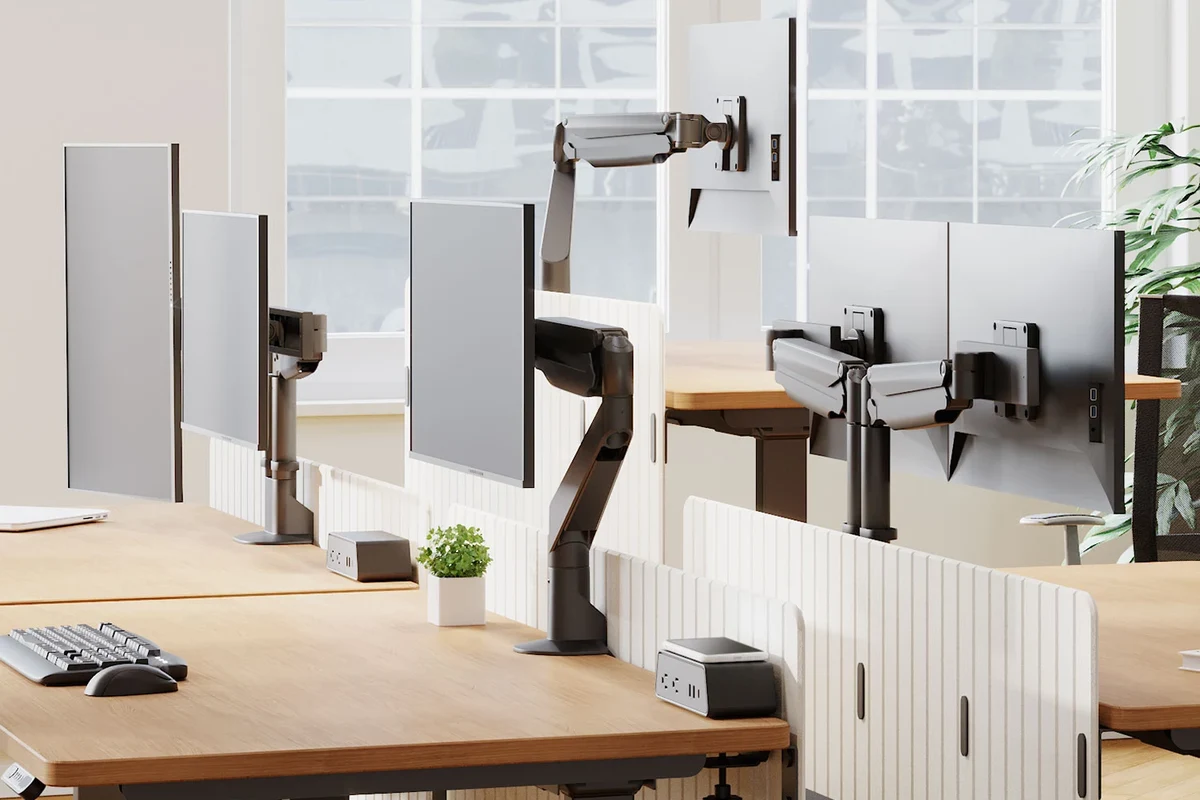
Maintenance Tips for Your Ergotron Monitor Arm
To maintain your Ergotron monitor arm and extend its lifespan, regular upkeep is necessary. Consider practical maintenance tips to keep your monitor arm functioning smoothly and in optimal condition. For related context, you may also want to read how to connect garage door opener to alexa.
- Regularly check the weight capacity of your monitor arm.
- Maintain a clean workspace to avoid clutter around your monitor setup.
- Adjust the monitor height to eye level to reduce neck strain.
Safety and Privacy Considerations When Using Monitor Arms
Safety is paramount when using monitor arms, especially in shared or public spaces. Learn about privacy considerations and how to secure your equipment effectively. This also connects with how to reset meross garage door opener if you want to avoid a similar setup or buying mistake.
If you encounter any issues during adjustments, consult the official Ergotron support documentation for model-specific guidance.
When to Consider Replacing Your Monitor Arm
Knowing when to replace your Ergotron monitor arm can save you from potential issues. This section discusses signs of wear and tear that indicate it’s time for an upgrade.
Signs of Wear and Tear
Regular inspection of your monitor arm can help identify any signs of wear and tear. Look for unusual noises, instability, or difficulty in adjustments that may signal the need for replacement.
Upgrading to a New Model: Is It Worth It?
Considering an upgrade can be beneficial if your current model no longer meets your needs. Assess the features of newer models and determine whether they align with your workspace requirements.
What This Means for Tech Buyers: Making the Right Choice
For tech buyers, understanding how to adjust the Ergotron monitor arm is essential for creating a productive workspace. It allows for better ergonomics and can significantly improve your work experience.
Final Words
In summary, adjusting your Ergotron monitor arm is vital for creating an ergonomic workspace. By following the guidelines provided in this article, you can ensure your setup supports both comfort and productivity.
💡 Sufiya Begom's Setup Advice: Check VESA support, screen weight, desk thickness, eye level, cable clearance, and stability before buying or mounting any monitor accessory.
Frequently Asked Questions
Questions about Monitor Arm often depend on the exact model, connection method, software support, and daily use case. Similar products can behave differently even when they look alike or share a category name. Check current manufacturer documentation whenever compatibility, safety, privacy, firmware, or warranty details affect the answer.
Start with intended use, fit, verified specifications, safety instructions, care needs, and important limitations.
Start with the exact Monitor Arm model, connection method, compatibility requirements, and the specific result you need. Current manufacturer documentation is the safest place to confirm details that vary by model.
Check the operating system, ports or wireless standard, power requirements, app or driver support, and any ecosystem limitations that apply to the exact setup.
A common mistake is treating every Monitor Arm product or setup as interchangeable. Similar-looking models can differ in ports, software support, power needs, dimensions, or privacy controls.
Use the cleaning, ventilation, inspection, charging, storage, and update guidance that applies to the product type. Disconnect power first whenever the manufacturer instructions require it.
Stop and seek official support when the problem involves overheating, damaged power hardware, unstable mounting, repeated failures, data loss, or a privacy concern you cannot resolve safely.

Sufiya Begom is a Passionate Digital Innovator and the Visionary Founder of the Dynamic Platform, Digital Pro Info. With a deep-rooted enthusiasm for digital technologies, Sufiya has built a comprehensive space that offers valuable insights into digital products, reviews, guides, software, and sales, empowering individuals to make informed decisions in the ever-evolving digital landscape.